

Release 2025.10
Oct. 27, 2025
Another brand new release of Maki is ready! We have been working hard on new features and improvements to make working with Maki even more fun and easy. Read the full list of new features in this release below!
What’s in the release?
Generating invoices conversion to Syncfusion
New: Invoice generation is now fully converted to Syncfusion. This provides faster and more reliable output, even with large numbers or complex data. The existing layout and content are retained or improved. Invoices can be generated from invoice templates, including variables such as project name, number and reference. The generated files remain available in PDF format.
Making PDF of the EDR credit check available in Maki
New: After performing a credit check, the report is now available as a PDF via an icon on the customer card. Employees with the permission “Credit check” can open the report in a new tab and download it. In addition, the date of the last credit check performed is visible next to the credit score.
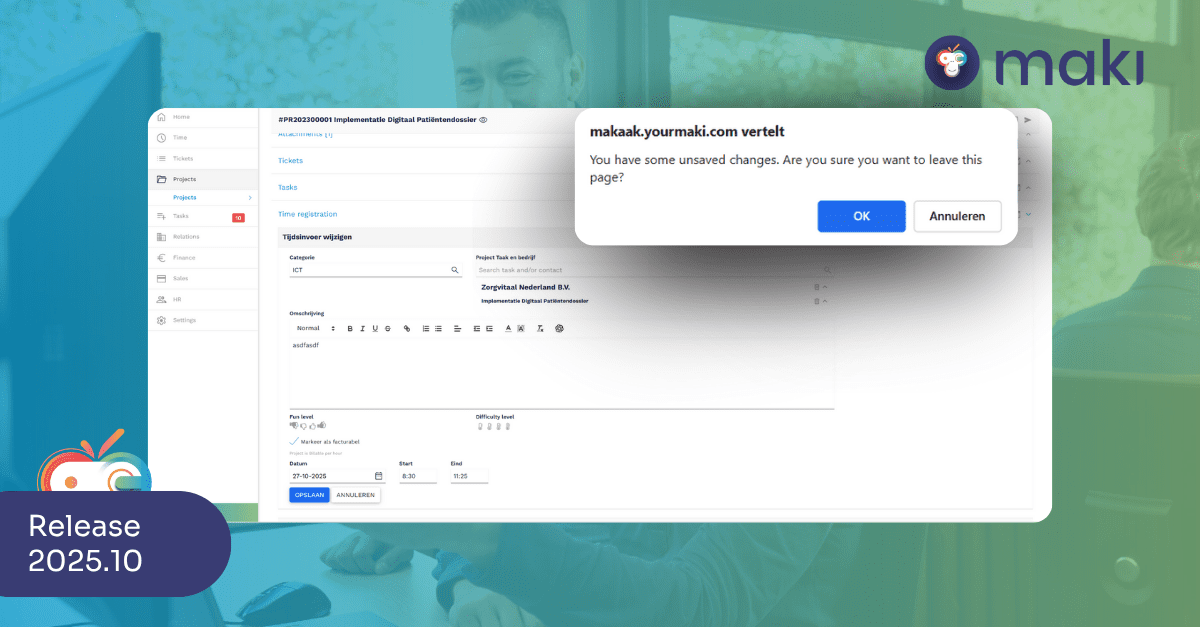
Show warning when leaving page with unsaved changes
New: Maki now shows a default browser warning when you try to leave a detail page with unsaved changes. This warning is shown consistently on input fields of time entries, tickets, projects, tasks, quotes, companies, contacts and products, among others, and works in all common browsers.
Be able to make description field larger when creating a new ticket, project or task
New: The description field on the creation screen of a new ticket, project or task is now scalable via an expand icon. This makes writing longer texts more comfortable, especially on larger screen resolutions. The existing scale-out feature in editing remains unchanged.

Adjustments in the Maki dataset + export time records
New: The Maki dataset and time record exports have been expanded for better project analysis. New fields have been added such as “Archived” (for Project and Project_Recent), “Task number” (for TimeEntry and TimeEntry_Recent) and “Project number” (for Ticket and Ticket_Recent). In addition, the export of time entries now includes the title and ticket number of linked tickets as well as the task number of linked tasks.
Define relationship structure in UploadMakiToPBI data set
New: In the PowerBI data set UploadMakiToPBI, relationships have been added between the Project, Task, Ticket and TimeEntry tables based on the Project number field. These relationships are set one-to-many (1:N) and correctly directional, so filters from Project feed through to the linked tables. This provides a consistent, reliable data structure for project analysis in PowerBI.
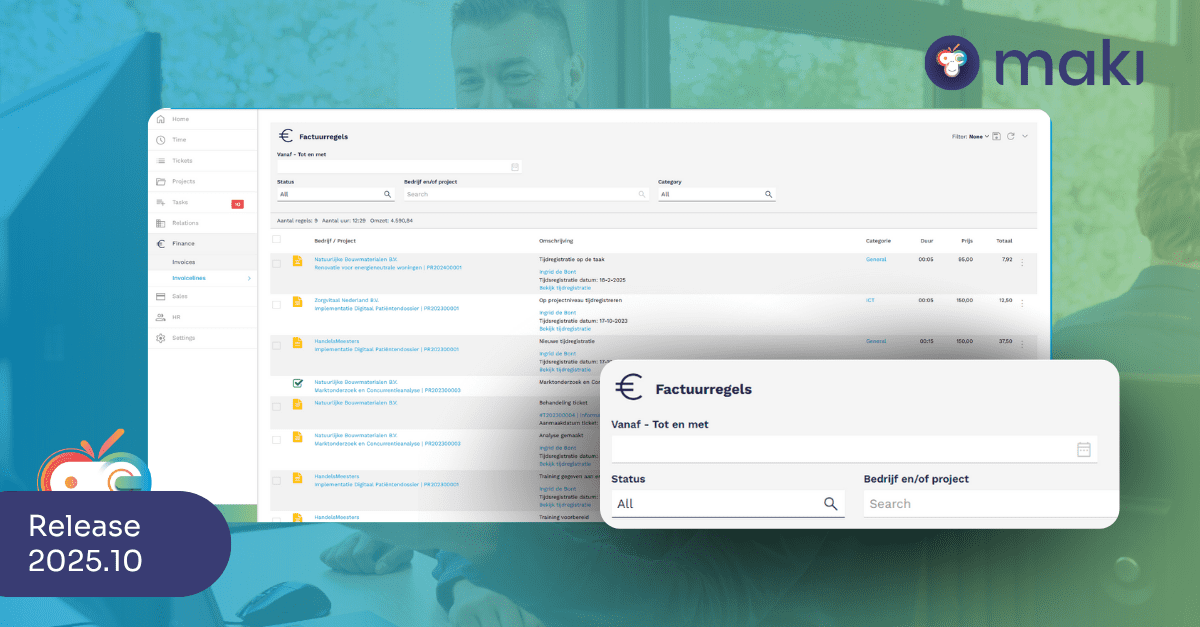
In addition to relationship, be able to filter by project in invoice (line) overview
Improved: In the invoice overview and invoice line overview, it is now possible to filter not only on open projects, but also on closed projects. The filter field is called “Company and/or project.” When selected, only invoices or lines associated with the selected project are displayed. This filter also works in combination with the existing company filter.
Resolved bugs
Incorrect behavior when pasting text into comment
Resolved: Pasting or editing text in input fields such as ‘Subject’ and ‘Description’ now works again as expected. Unintentional skip, extra whitespace, cursor jump and incorrect substitutions have been fixed. Behavior around keys such as Delete and Ctrl+Z has also been corrected, ensuring stable and predictable text editing within all relevant fields of Maki.
Relationship link not visible after project creation via relationship page
Resolved: When creating a project via the relation page, the link to the relation is now displayed directly on the project page. Manual refreshing is no longer necessary. This also applies to showing linked tasks after creating a new time entry.
Wrong search results when searching by name string in contacts overview
Resolved: The search function in the contacts overview now works correctly. Searches filter only on exact letter combinations in the correct order, regardless of capital letters. Partial or loose letter matches are no longer displayed, ensuring reliable and predictable search results.
Progress and time tracking sometimes disappear for tickets without a contact person
Resolved: The option “Add response on behalf of customer” is no longer available when there is no contact associated with the ticket. When using this option in a ticket with contact person, selecting a contact is now mandatory. This prevents progress data from disappearing and empty time entries without origin.
Project information not visible on ticket time recording
Resolved: The overview of time entries now also shows the project name if the ticket in question is linked to a project. This gives employees better insight into time spent per project and prevents errors in reporting or invoicing.
Reminder information temporarily visible in new comment for “on hold” ticket
Resolved: When adding a new comment to an on hold ticket, the reminder information no longer temporarily displays incorrectly. The reminder now remains correctly linked to the original comment without the need for a page refresh. This prevents confusion and increases the reliability of the comment display.
Maintenance
Various updates front-end & back-end packages
In the front-end and back-end, several packages were updated to the latest version and improvements were made to the ElasticSearch and SQL database structures.